 Coming to Android
Find your look.
Choose a theme or build your own light and dark pair, with shared settings and a look for each appearance. Adjust your layout, key appearance, sounds and haptics, then save different setups as profiles.
Explore customisation → anti
anti
Your keyboard.
Your kind of typing.
Make Clink feel like yours. Shape the keys, choose your sounds and haptics, and keep useful tools close to what you’re writing.

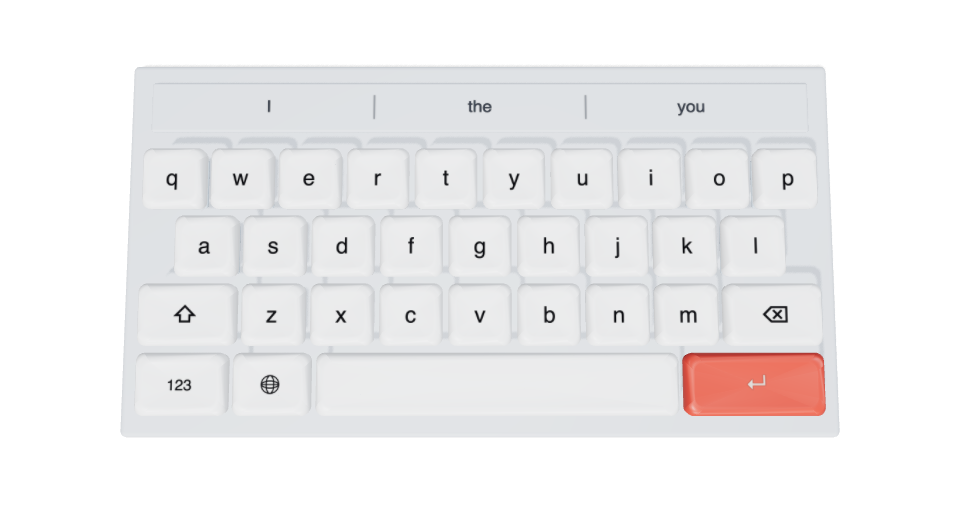
Move over the keys. Click to press.Tap a key. Take a closer look.
Choose a theme or build your own light and dark pair, with shared settings and a look for each appearance. Adjust your layout, key appearance, sounds and haptics, then save different setups as profiles.
Explore customisation →Type or swipe, switch languages, and make gestures work your way. Bring dictation, clipboard, translation and other tools into your keyboard.
Explore typing →Add community packs, write a Python action, or make a panel or plugin of your own. Follow the user guides and Python examples to customise your keyboard.
Python & scripting →Clink is available for iOS. Community browsing and sharing, along with some tools and customisation features, require Clink Pro. The guides cover setup, Full Access, membership and troubleshooting.